• På tilbud!
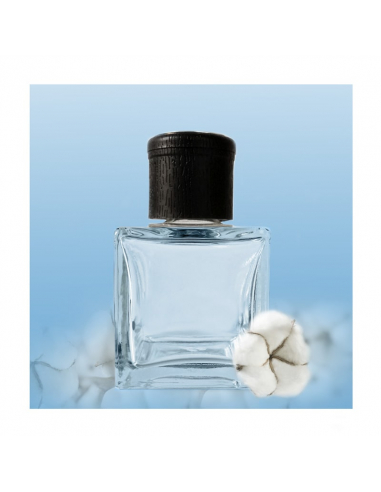
Ambientador Mikado Algodón 1000 ml - Difusor de aromas

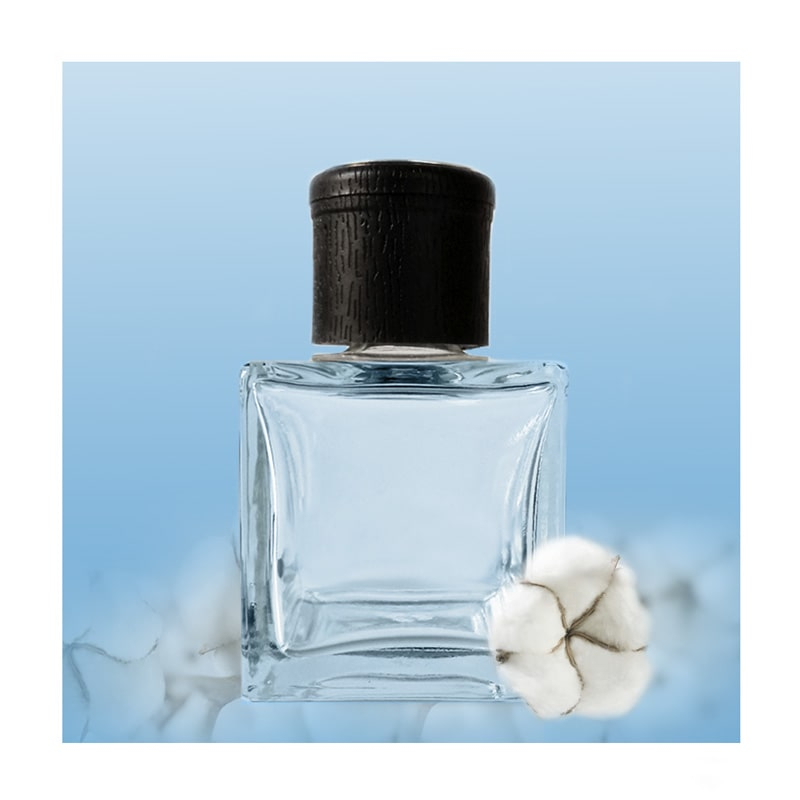
020. Ambientador Mikado Algodón - 1000ml

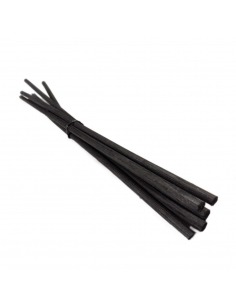
Mikado Bomuld (020) er en duftpinde refill med en sød og behagelig bomuldsduft, som i produktbeskrivelsen angives som en mild og behagelig aroma og egner sig som duft til hjemmet.

Produktet leveres i dunk på 1 liter i et større, professionelt format og er målrettet professionelle kunder, forhandlere og engroskunder; det er beregnet til genopfyldning af duftpinde og kan bruges som refill til duftpinde ved videresalg.

Du kan finde flere oplysninger her: læs mere om duftpinde og hvordan de fungerer.

En stock
35,63 € 

Beskrivelse

I can’t open the link you posted, but I can give you a practical, ready-to-use guide plus templates and examples for writing “perfect” AI prompts to generate product descriptions, category pages, and CMS pages for PrestaShop. Use these prompts with ChatGPT or other LLMs and adapt fields/tones to your store. Why a good prompt matters (brief) - Gives the model context and constraints so outputs match PrestaShop fields and store voice. - Produces JSON or delimited output you can import or paste into product forms. - Reduces hallucinations and editing time. Core information you should always supply - Product/category/CMS raw data you already have (name, SKU, specs, materials, target audience). - Brand voice and tone (friendly, technical, luxury, playful). - SEO keywords (primary + secondary) and target language/locale. - Required output format (plain text, HTML allowed tags, or machine-friendly JSON). - Character limits for fields (meta title < 70 chars, meta description ~120–160 chars, short description 150–300 chars, etc.). - Any forbidden claims (e.g., do not claim medical benefits, do not invent specs). Recommended system/user prompt structure 1. System message (global instructions; optional): “You are an e-commerce copywriter that outputs JSON with fields matching PrestaShop. Do not invent specs. If data is missing, say: ‘MISSING DATA: [field]’.” 2. User message (the input data + explicit task): Provide the item data and a template request asking for specific fields and constraints. 3. Optionally include 1–2 few-shot examples (input → desired output) so the model learns the expected format. PrestaShop field mapping to request in prompts - product_name - short_description (brief, displayed on category/listing) - description (long, full HTML-friendly content) - meta_title - meta_description - friendly_url (link_rewrite / slug) - tags - features (list of name + value) - attributes (size, color; or combinations/variants) - image_alt - category_assignments - manufacturer, supplier - condition (new/refurbished) - price (optional) - stock_status (text) - shipping_weight - warranty - CTA (1-line) Output format - Ask for JSON with exact keys matching your import or copy-paste needs. Example: {"product_name": "...", "short_description": "...", ...} - Or ask for plain text with separators if you prefer manual paste. Allowed HTML tags - If you allow HTML, specify exactly which tags: e.g.,

,

Produktoplysninger

MK-cotton-1000ml

Related products

Reviews (0)

No reviews

Kunder, der købte denne vare, købte også

8 andre varer i den samme kategori:

Product added to wishlist